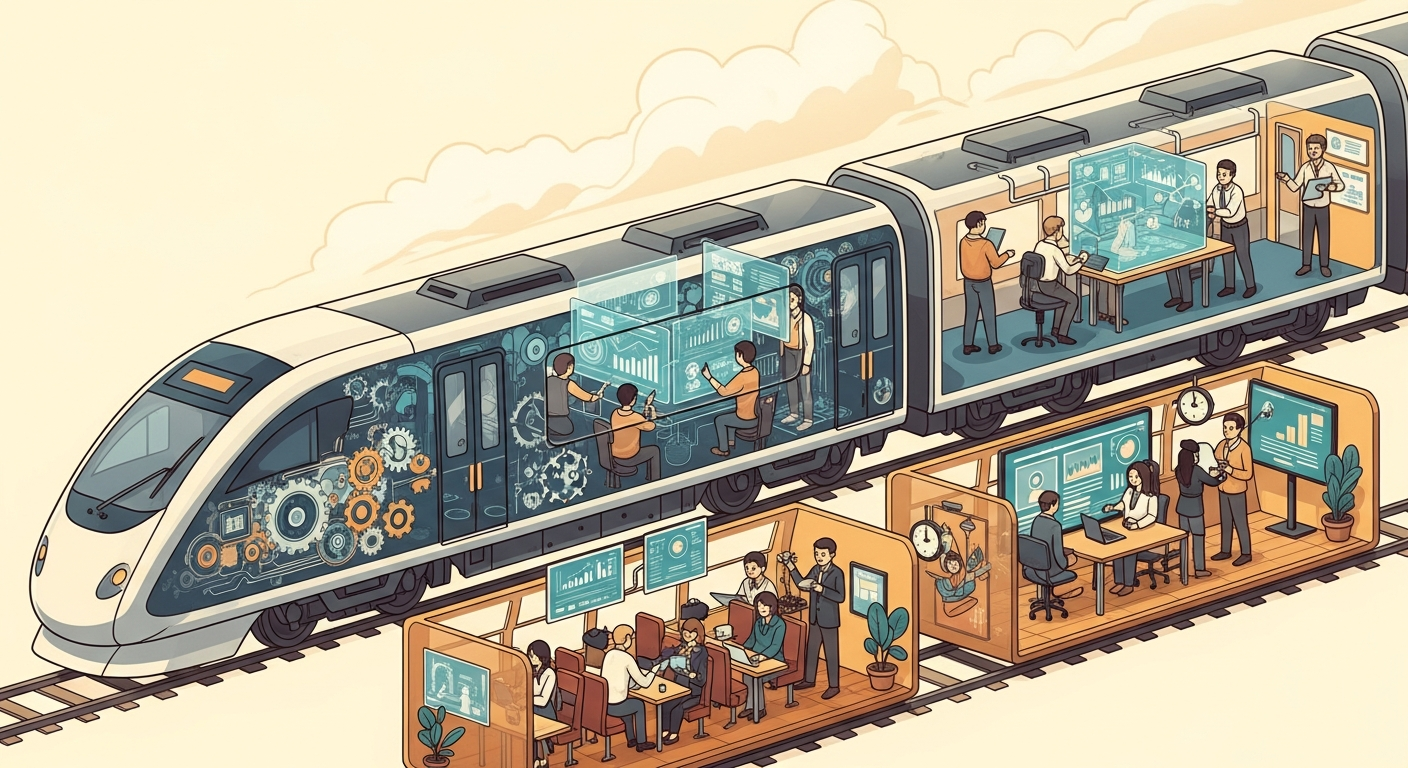
Managing a multi-location service business in today's dynamic landscape means continually seeking efficiencies and enhancing client experiences. The integration of AI systems offers a powerful avenue for achieving these goals, yet the success of such initiatives often hinges not just on the technology itself, but on how to train staff to work with AI systems. This comprehensive guide explores strategies for seamless AI adoption, transforming potential challenges into opportunities for growth and empowered teams across your entire franchise.
Navigating the AI Frontier: Empowering Your Team for Digital Transformation
The modern service economy demands agility. From bustling fitness studios and serene wellness centers to vital dental practices and caring veterinary clinics, multi-location businesses face a shared challenge: balancing consistent service quality with operational efficiency across diverse locations. Artificial intelligence (AI) is emerging as a pivotal solution, automating routine communications, streamlining lead management, and optimizing appointment scheduling. Yet, for these powerful tools to truly thrive, the human element – your dedicated staff – must be brought along on the journey.
Integrating AI isn't merely about deploying new software; it's about evolving workflows and empowering your team with new capabilities. When staff are well-trained and understand how AI complements their roles, the result is often a more focused, productive, and satisfied workforce, able to dedicate more energy to high-value, in-person client interactions.
"Successful AI integration is less about the technology's complexity and more about the clarity with which its purpose and benefits are communicated to the people who will use it daily."
Understanding the "Why": The Strategic Imperative for AI Adoption
Before diving into how to train, it's crucial to establish the why. AI systems are not designed to replace valuable human employees but to augment their capabilities, offload monotonous tasks, and ensure consistent client communication 24/7.
Consider a multi-location dental practice where receptionists are constantly fielding phone calls for new appointments, confirming existing ones, and answering frequently asked questions. This high volume of routine inquiries can prevent them from providing personalized attention to patients physically present in the office. This scenario is common across many service sectors. An AI automation platform can step in to manage lead outreach, follow-up, and initial appointment bookings, all while integrating seamlessly with existing scheduling systems. This frees up the human team to focus on patient care, complex inquiries, and building relationships, directly enhancing both staff satisfaction and client experience.
The core value of AI, in this context, is to handle the predictable and repeatable, allowing human staff to excel at the unpredictable and relational. Communicating this vision clearly is the first, most critical step in preparing your team for AI integration.
Phase 1: Preparing the Ground – Laying the Foundation for AI Integration
Successful AI adoption begins long before the first training session. It requires thoughtful preparation and a clear understanding of your organizational landscape.
Leadership Buy-in and Vision Communication
The journey to AI integration must start at the top. Leadership across all locations needs to embrace the vision for AI, understanding its potential to enhance business operations and staff roles. This commitment then needs to be articulated clearly and consistently to every team member.
When introducing the concept of AI, frame it as a strategic partner. For example, many operators find that positioning AI as an "always-on assistant" that handles routine communications (like AI Front Desk does for lead outreach, booking, and retention) helps staff visualize its supportive role rather than perceiving it as a threat.
Identifying Key Stakeholders and Their Concerns
Before any training begins, engage with staff from various roles and locations. What are their current pain points? What tasks consume most of their time? What are their concerns about new technology?
- Front Desk/Reception: Might worry about job security or the complexity of learning new systems.
- Managers: May focus on implementation challenges, data security, and ensuring consistent adoption across locations.
- Service Providers (e.g., trainers, therapists, hygienists): Could be concerned about maintaining personal client relationships or technology interfering with their core service delivery.
Address these concerns proactively. Acknowledge that change can be unsettling and emphasize the benefits: less administrative burden, more time for client interaction, and enhanced professional consistency.
Assessing Current Workflows and Pain Points
Undertake a thorough review of existing operational workflows. Where are the bottlenecks? What tasks are repetitive and time-consuming? This assessment will highlight the specific areas where AI can provide the most immediate and tangible relief, making the "why" even clearer to your staff.
For instance, if your multi-location fitness studio struggles with inconsistent lead follow-up after peak hours, identifying this as a pain point demonstrates how an AI system can provide 24/7 engagement, ensuring no prospective member is missed, ultimately benefiting the sales team by qualifying leads before they even step foot in the door.
Phase 2: Designing Your AI Training Program – A Structured Approach
Effective training is not a one-size-fits-all endeavor. It must be tailored, practical, and focus on how AI directly impacts daily tasks.
Customization is Key: Role-Based Training
Different roles will interact with AI systems in different ways. A front desk team member will likely need in-depth training on how AI handles incoming inquiries and appointment bookings, while a general manager might focus more on monitoring AI performance metrics and adjusting communication flows.
Role-Based AI Training Matrix Example:
| Role/Team | AI System Components Covered | Key Training Focus | Expected Outcome |
|---|---|---|---|
| Front Desk/Reception | Lead qualification, appointment booking, follow-up automation, common FAQs handled by AI, escalating to human. | Understanding AI's communication boundaries, handover protocols, monitoring AI interactions, system override. | Seamless client journey, efficient booking, reduction in routine inquiries, more focused human interaction. |
| Sales/Membership | Lead nurturing sequences, AI-qualified leads, CRM integration, prospect engagement. | Interpreting AI-generated lead insights, leveraging AI for consistent follow-up, converting warmer leads. | Higher conversion rates, reduced manual lead outreach, more time for closing. |
| Service Providers | Appointment reminders, rebooking prompts, basic client communication, feedback collection. | Understanding AI's role in client retention, ensuring timely service, reinforcing positive client relationships. | Reduced no-shows, improved client satisfaction, automated re-engagement. |
| Management/Owners | Performance analytics, communication flow customization, system integration overview, security protocols. | Data interpretation, strategic adjustments, multi-location consistency, compliance oversight. | Optimized operational efficiency, data-driven decision making, consistent brand experience across all locations. |
| Marketing Team | Lead generation integration, campaign automation, segmentation support. | Leveraging AI for targeted campaigns, measuring campaign effectiveness, A/B testing AI-generated messages. | More effective marketing spend, higher quality leads, improved ROI. |
Modular Training Approach
Break down the AI system into manageable modules. Instead of overwhelming staff with everything at once, introduce functionalities incrementally. For instance, start with how AI automates lead qualification, then move to appointment booking, and finally to retention campaigns. This allows staff to build confidence with each new feature.
Hands-On Learning and Simulation
Theoretical explanations are useful, but practical application solidifies understanding. Provide sandboxes or training environments where staff can interact with the AI system without affecting live client data. Encourage them to:
- Simulate client inquiries and observe AI responses.
- Practice taking over conversations from the AI.
- Test different scenarios, like a client asking an unusual question.
This direct engagement helps demystify the technology and builds practical proficiency.
Scenario-Based Training
Utilize hypothetical scenarios that reflect real-world situations your staff encounter daily.
Hypothetical Scenario: After-Hours Lead Engagement Imagine it's 8 PM, and a potential new client for a multi-location veterinary clinic visits your website and submits an inquiry about kitten vaccinations.
- Without AI: The inquiry sits until morning, potentially leading the client to contact a competitor.
- With AI (and trained staff): The AI system immediately engages the lead via SMS or chat, answers common questions about services and pricing, and even offers to book an initial consultation for the next day. The AI then logs this interaction and books the appointment directly into the clinic's scheduling system. The next morning, the front desk staff arrive to find a confirmed appointment in their calendar and a full chat transcript. Their training would focus on:
- How to review the AI's interaction: What questions were asked, what answers were given?
- How to prepare for the client: Based on the AI's conversation, what specific information might the client need?
- What to do if the AI couldn't fully resolve an issue: How to seamlessly take over the conversation or follow up.
This type of training illustrates the AI's value directly, showing how it supports the team rather than complicating their work.
Phase 3: Implementation and Ongoing Support – Nurturing AI Proficiency
Training is not a one-time event; it's an ongoing process. As your business evolves and AI systems become more sophisticated, continuous support and refinement are essential.
Phased Rollout Strategy
Instead of a "big bang" launch across all locations simultaneously, consider a phased rollout. Start with a pilot location or a smaller, enthusiastic team. Learn from their experiences, refine your training materials, and then expand to other locations. This approach minimizes disruption and builds internal success stories.
Designated AI Champions
Identify and empower "AI Champions" within each location or team. These individuals should be early adopters, technically savvy, and excellent communicators. They can serve as first-line support for their peers, answer questions, and collect feedback, reducing the burden on central IT or management.
Feedback Loops and Continuous Improvement
Establish clear channels for staff to provide feedback on the AI system and the training itself. Regular check-ins, anonymous surveys, and dedicated forums can uncover areas for improvement, both in the technology's configuration and in the training content. This iterative process ensures the AI system truly serves the needs of your business and its people. Many operators find that a simple, accessible feedback mechanism significantly boosts adoption rates.
Resource Library and FAQs
Create an easily accessible digital resource library. This might include:
- Short video tutorials
- Step-by-step guides
- A comprehensive FAQ document
- Troubleshooting tips
- Key contact information for support
This empowers staff to find answers quickly and independently, fostering self-sufficiency.
Reinforcement Training
Technology evolves, and so do business needs. Schedule regular refresher training sessions, particularly when new AI features are introduced or workflows are updated. These sessions can also be used to share best practices identified by your AI Champions.
Common Pitfalls to Avoid When Training Staff for AI Systems
Navigating technology integration comes with potential missteps. Being aware of these can help you steer clear of common frustrations.
- Treating AI as a Replacement, Not a Partner: Emphasize that AI handles routine tasks to free up staff for more meaningful client interactions. If staff perceive AI as a threat, resistance will be high.
- Lack of Clear Communication on AI's Role: Ambiguity breeds anxiety. Be explicit about what tasks AI will handle, and what tasks remain with human staff.
- One-Off Training Sessions Without Follow-Up: Initial training is just the beginning. Without ongoing support, reinforcement, and opportunities for questions, knowledge retention will suffer.
- Ignoring Staff Feedback: Your frontline staff are critical users. Their insights into day-to-day operations and client interactions are invaluable for refining AI configurations and improving training.
- Not Highlighting the "What's in It for Me?": Always connect AI integration back to direct benefits for the staff – less mundane work, more focus on high-value tasks, enhanced professional consistency, and improved overall job satisfaction.
Quick Wins: Immediate Steps for AI Staff Training
Looking to get started right away? Here are a few actionable steps you can implement today:
- Communicate the "Why": Host a brief, informal meeting (or send a clear memo) to all staff explaining why AI is being introduced – emphasizing its role in supporting them and improving overall business efficiency and client experience, rather than replacing roles.
- Identify a Pilot Location/Team: Select one receptive location or a small, enthusiastic team to be your early adopters. This allows for controlled learning and refinement of your training approach.
- Start with One Simple AI-Assisted Workflow: Don't try to automate everything at once. Pick one straightforward task that an AI system (like AI Front Desk's automated lead qualification) can handle immediately and demonstrate its effectiveness.
- Establish a Dedicated Feedback Channel: Create an easy way for staff to ask questions and provide feedback – a shared document, a specific email address, or a regular short check-in meeting.
- Celebrate Early Successes: Publicly acknowledge and celebrate the positive impacts of AI, however small, demonstrating its tangible benefits and building momentum.
Conclusion
Integrating AI systems into multi-location service businesses presents a powerful opportunity for growth, efficiency, and enhanced client engagement. However, the true strength of this digital transformation lies in the thoughtful preparation and empowerment of your human team. By investing in comprehensive, role-specific training, fostering open communication, and providing continuous support, you enable your staff to leverage AI as a valuable partner.
Platforms like AI Front Desk are designed to automate the routine, allowing your teams to shine where it matters most – delivering exceptional, personal service. When staff are confident and proficient in working alongside AI, your business can achieve a new level of operational excellence and consistent client satisfaction across every location. The future of service is a collaboration between intelligent technology and empowered people, and the journey begins with effective training.