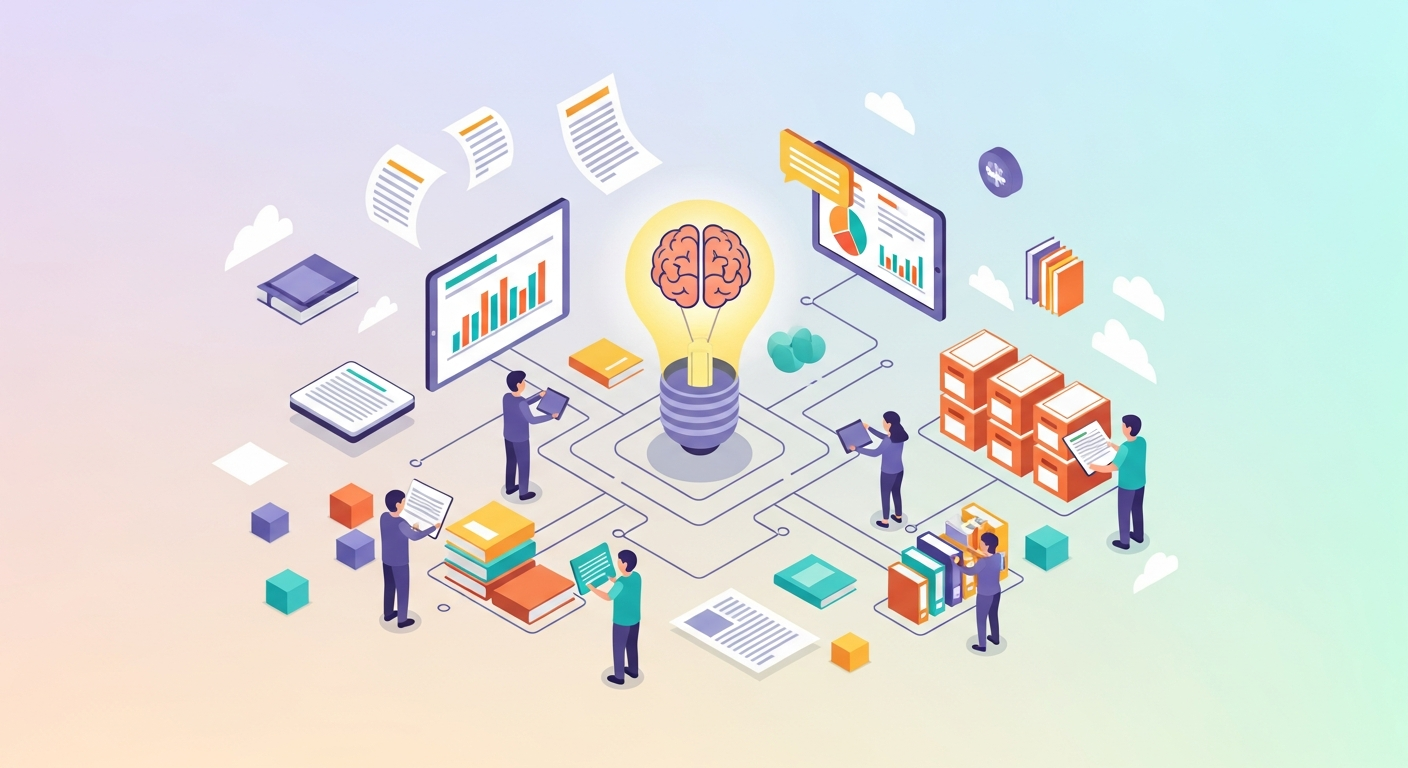
The successful integration of AI into multi-location service businesses – from bustling fitness studios to meticulous dental practices – hinges not just on the technology itself, but on the human element understanding and effectively leveraging it. One of the most critical, yet often overlooked, components of this integration is robust AI training documentation. This article explores the strategic imperatives, core components, and practical frameworks for creating comprehensive AI training documentation that ensures consistency, boosts operational efficiency, and empowers your teams across all locations.
Why AI Training Documentation is Non-Negotiable for Multi-Location Businesses
For multi-location service businesses, the adoption of AI-powered automation tools for tasks like lead outreach, appointment booking, and member retention presents both immense opportunity and unique challenges. While AI promises consistent, 24/7 service, achieving this consistency across diverse locations, each with its own staff, culture, and operational nuances, requires a deliberate approach. This is where high-quality AI training documentation becomes indispensable.
Effective AI training documentation acts as the central nervous system for your automated operations, ensuring every location and every team member operates with a unified understanding of your AI tools.
Without clear, accessible documentation, inconsistencies can emerge. Staff might not understand the AI's capabilities, leading to underutilization or, worse, misapplication. New hires face a steeper learning curve, and the benefits of AI in areas like consistent, professional responses and optimized capacity can be undermined. Documentation mitigates these risks by providing a standardized resource that:
- Ensures Operational Consistency: Guarantees that the AI is used uniformly across all locations, maintaining brand standards and service quality.
- Accelerates Staff Onboarding: Reduces the time and resources needed to train new employees on AI systems, allowing them to contribute effectively sooner.
- Empowers Staff: Provides a reference point for troubleshooting common issues and understanding AI's role, freeing up management from repetitive questions.
- Facilitates Change Management: Acts as a living record of AI processes, making updates and system enhancements easier to communicate and implement.
- Maximizes AI Investment: By ensuring proper usage and understanding, businesses can fully harness the automation benefits, allowing staff to focus on in-person service and high-value tasks.
The Core Components of Effective AI Training Documentation
Developing comprehensive AI training documentation involves more than just a quick guide. It requires a structured approach to cover various facets of AI interaction. Here's a breakdown of essential components:
- Purpose & Strategic Context:
- Clearly articulate why your business is using AI. What strategic problems is it solving (e.g., missed leads, high no-show rates, staff burnout)?
- Define the overall vision for AI integration and how it aligns with your business goals (e.g., "to enhance client experience by ensuring immediate responses and seamless booking").
- System Overview & Architecture:
- Provide a high-level explanation of your AI platform (e.g., "AI Front Desk").
- Identify which modules are active (e.g., lead qualification, appointment scheduling, retention campaigns, feedback collection).
- Illustrate how the AI integrates with existing scheduling systems or CRM platforms. Simple diagrams can be incredibly effective here.
- Workflow Integration & Interaction Protocols:
- This is the heart of operational documentation. Detail specific scenarios and the AI's role within them.
- AI-First Workflows: Clearly outline processes where the AI initiates and completes a task (e.g., a new lead fills out a web form, AI immediately engages, qualifies, and books an appointment).
- Human-Assisted AI Workflows: Describe scenarios where human intervention is required after the AI has performed its initial function (e.g., AI books a consultation, then staff prepares for the client's arrival).
- AI-Supported Human Workflows: Explain how AI provides support for staff-led tasks (e.g., AI sends follow-up reminders after a staff member books an appointment manually).
- Define clear hand-off points: When does the AI's responsibility end, and the human's begin?
- Common Scenarios, FAQs, & Troubleshooting:
- Anticipate common questions or issues staff might encounter.
- Provide step-by-step solutions for typical challenges (e.g., "What if a client requests an appointment outside of AI's scheduling parameters?").
- Include a section on interpreting AI responses or logs.
- Best Practices & Customization Guidelines:
- Offer guidance on how to optimize AI interactions. For example, "When responding to a client that the AI has pre-qualified, always reference details gathered by the AI to maintain a seamless experience."
- Establish clear boundaries for localization vs. core consistency. Which elements of AI communication can be adapted at the local level (e.g., local events, specific promotions), and which must remain standard across all locations (e.g., core service descriptions, pricing structure)?
- Feedback & Iteration Process:
- Define a clear mechanism for staff to provide feedback on the AI system and the documentation itself.
- Outline the process for reviewing, updating, and disseminating changes to the documentation.
Strategic Planning for Documentation Development: A Decision Framework
Developing AI training documentation is a project in itself, requiring strategic planning. The following framework helps operators make informed decisions about content depth, ownership, and rollout.
AI Training Documentation Planning Matrix
| Factor | Low Complexity / Low Impact | Medium Complexity / Medium Impact | High Complexity / High Impact | Considerations |
|---|---|---|---|---|
| AI Feature/Workflow | Basic lead qualification, simple appointment confirmations | Standard booking flows, basic retention reminders | Advanced lead nurturing, win-back campaigns, complex scheduling rules | Evaluate the potential for error and the cost of that error. Higher impact areas require more rigorous, detailed documentation. |
| Target Audience | New hires, part-time staff, general front desk | Experienced front desk, junior managers | Senior managers, system administrators, marketing teams | Tailor language and depth. Avoid jargon for general users; provide technical detail for administrators. |
| Content Depth | Quick reference guides, FAQs, checklists | Step-by-step guides, flowcharts, video tutorials | Comprehensive manuals, decision trees, interactive simulations | Balance brevity with completeness. Too little detail leads to frustration; too much can overwhelm. |
| Format & Accessibility | Digital document (PDF), printed quick guides | Internal wiki, dedicated online knowledge base, video library | Interactive LMS modules, integrated in-app help, live workshops | Choose formats that are easily searchable, updateable, and accessible to all relevant staff, regardless of technical proficiency or location. Cloud-based solutions are often beneficial for multi-location businesses. |
| Ownership & Review | Single department (e.g., Operations) | Cross-functional team (Operations, Marketing, IT) | Dedicated documentation specialist, continuous review committee | Assign clear ownership for creation, review, and updates. A distributed model might work for initial drafts, but a centralized review ensures consistency. |
| Training Method | Self-serve, initial walkthrough | Scheduled online sessions, peer-to-peer training | Blended learning (online + in-person), certification programs | Consider the time investment required from staff. For complex systems, a multi-faceted training approach may be more effective than relying solely on self-study documentation. |
| Update Frequency | Quarterly, as needed | Monthly, with significant system updates | Continuous, integrated with system development cycles | AI platforms evolve. Documentation must keep pace. Establish a schedule for review and update, triggered by system changes or frequent feedback. |
Phases of Documentation Development:
- Needs Assessment: Identify specific AI functions being implemented, the roles interacting with them, and existing knowledge gaps. Conduct interviews with staff across locations to understand their current workflows and pain points.
- Content Strategy & Ownership: Determine the scope, structure, and format of documentation. Assign content owners and reviewers. For multi-location businesses, consider a central documentation hub with localized supplementary content where necessary.
- Drafting & Review: Create initial drafts, focusing on clarity and practical applicability. Engage a diverse group of users (front desk, managers) from different locations for review to catch ambiguities and ensure real-world relevance.
- Implementation & Rollout: Distribute documentation through accessible channels. Pair documentation with initial training sessions (virtual or in-person) to ensure understanding and address immediate questions.
- Maintenance & Iteration: Establish a continuous feedback loop and a regular update schedule. Documentation is a living asset; it must evolve with your AI systems and business processes.
Integrating AI Automation into Documentation Workflows
It’s an interesting paradox: AI training documentation is crucial for AI adoption, but AI itself can also assist in creating and maintaining this documentation. Leverage AI automation tools to streamline your documentation efforts:
- Content Generation Assistance: Use AI to draft initial outlines, summarize complex technical specifications into simpler language, or generate FAQs based on common support queries.
- Knowledge Extraction: AI can analyze existing operational manuals or communication logs to identify patterns and critical information that should be included in training documentation.
- Feedback Analysis: AI can process and categorize user feedback on documentation, highlighting areas that are confusing or incomplete, thus guiding revision efforts.
- Version Control & Updates: While not directly AI, robust knowledge management systems (KMS) often integrate AI features for search and content recommendations, ensuring staff can always find the most current version.
- Personalized Learning Paths: In advanced scenarios, AI can help tailor documentation delivery or suggest relevant modules based on a staff member's role, performance, or interaction history with the AI system.
Common Pitfalls to Avoid
Even with the best intentions, creating effective documentation can falter. Be mindful of these common pitfalls:
- Outdated Information: Nothing erodes trust faster than documentation that doesn't reflect the current state of the AI system. Establish a strict update protocol.
- Overly Technical Language: Avoid jargon. Documentation should be written in clear, concise language that is accessible to all users, regardless of their technical proficiency.
- Lack of Accessibility: If documentation is hard to find or navigate, it won't be used. Ensure it's centrally located, searchable, and available on commonly used devices.
- One-Size-Fits-All Approach: Different roles require different levels of detail. A front desk staff member needs practical "how-to" guides, while a manager might need more strategic insights. Segment your documentation where appropriate.
- Ignoring Feedback: Failure to incorporate user feedback leads to documentation that doesn't meet the real needs of your teams. Actively solicit and respond to suggestions.
- Assuming Prior Knowledge: Documenting AI processes requires explaining foundational concepts, not just advanced features. Start with the basics and build up.
Quick Wins: Immediate Actions for Operators
You don't need to overhaul your entire documentation strategy overnight. Here are 3-5 immediate actions you can take today:
- Identify One Critical AI Workflow: Choose a single, high-frequency AI process (e.g., new lead qualification and first touchpoint) and commit to fully documenting it.
- Designate a Documentation Champion: Select a motivated individual at each location or a central team member to own the initial drafting and feedback collection for AI documentation.
- Create a Simple Feedback Loop: Set up an easy way for staff to submit questions or suggestions related to AI usage and documentation (e.g., a shared document, a dedicated email alias).
- Review Existing Communication Protocols: Before implementing AI for lead outreach or booking, review your current standard operating procedures for these areas. Identify where AI will automate existing steps and where it introduces new ones, forming the basis for your documentation.
- Start a "What If" Log: Encourage staff to record unusual client interactions with the AI. These scenarios are excellent candidates for future troubleshooting sections in your documentation.
Creating robust AI training documentation is an ongoing investment, not a one-time task. For multi-location service businesses leveraging AI automation platforms for lead management, booking, and retention, it's the bedrock of consistent operation, empowered staff, and maximized return on your technology investment. By adopting a strategic, framework-driven approach, you can ensure your AI systems are not just implemented, but truly integrated and optimized across every one of your locations.