How AI Handles Legacy System Integration
Integrating new technology with existing systems can feel like trying to fit a square peg into a round hole, especially for multi-location service businesses operating with diverse software across their sites. This challenge often arises when legacy systems – older, established software that may lack modern APIs – are central to daily operations. The good news is that AI handles legacy system integration not by demanding an expensive, disruptive overhaul, but by intelligently working with your existing infrastructure. This article will explore how AI acts as a sophisticated bridge, enabling seamless automation, consistent communication, and enhanced operational efficiency without requiring you to rip and replace your core systems. We'll focus on building a robust script library that empowers your AI to communicate effectively, turning integration challenges into opportunities for growth and consistency.
The Nuance of Legacy Systems in Multi-Location Operations
Every multi-location business, from fitness studios to veterinary clinics, relies on a mosaic of software. You likely have a scheduling system, a CRM, billing software, and perhaps even custom-built solutions that have evolved over years. These are your legacy systems. They might be robust and reliable for their primary function, but they often lack the open APIs or modern connectivity needed for easy integration with newer platforms.
The challenge intensifies across multiple locations. You might have different versions of software, or even entirely different systems, at various sites. This creates data silos and communication inconsistencies, leading to:
- Manual Data Entry: Staff spending valuable time transcribing information from one system to another.
- Delayed Communications: Gaps between actions (e.g., a new booking) and corresponding customer outreach.
- Inconsistent Customer Experience: Different locations following different communication protocols.
- Operational Bottlenecks: Staff tied up with routine tasks that could otherwise be automated.
Many operators find that the cost and disruption of a complete system overhaul are prohibitive. This is where AI offers a pragmatic, non-invasive solution.
"True integration isn't always about replacing; sometimes, it's about intelligently connecting the dots that already exist."
AI as an Intelligent Overlay: Bridging Gaps, Not Replacing Foundations
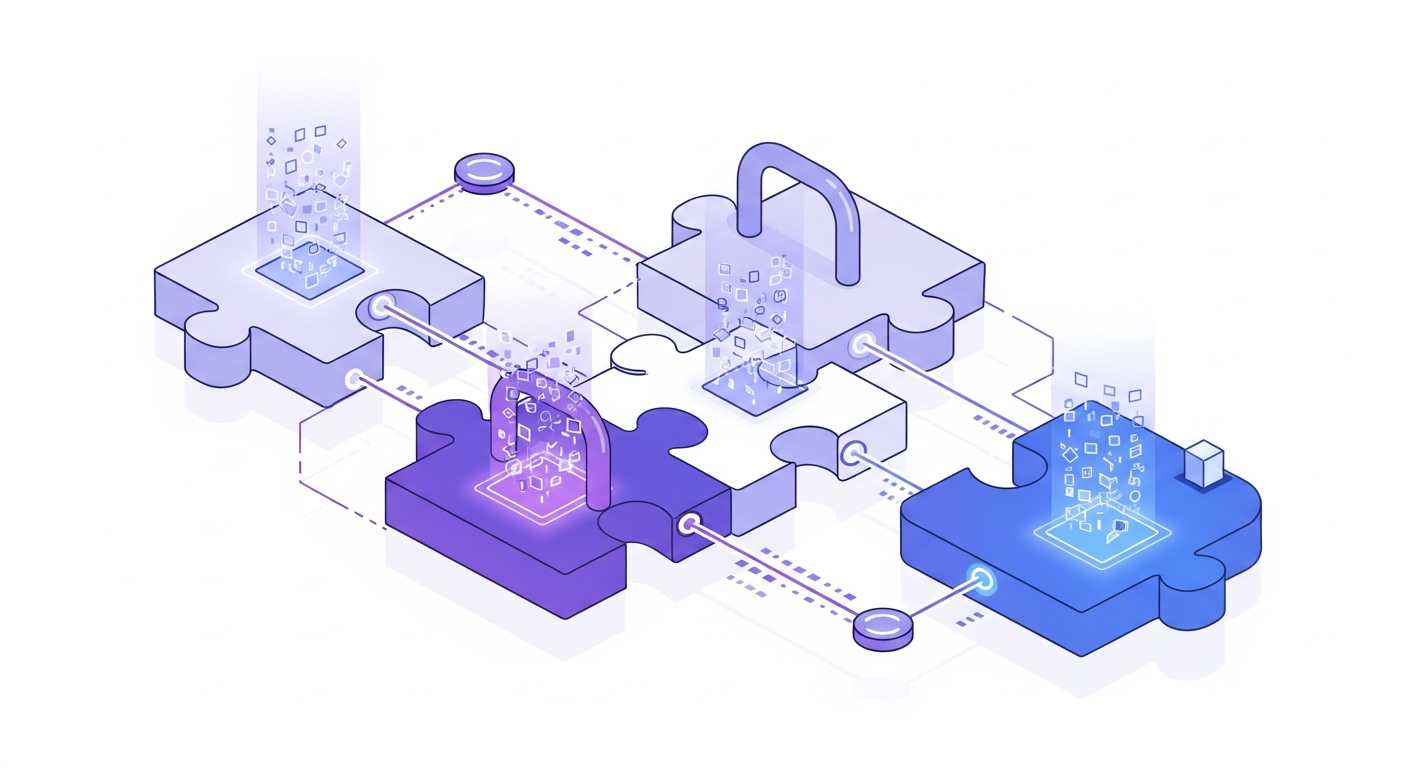
Instead of demanding deep, bi-directional API connections that legacy systems often don't provide, AI can act as an intelligent operational overlay. Think of it as a highly observant and communicative layer that sits above your existing systems. It doesn't need to directly modify your core databases; rather, it observes, interprets, and acts based on the outputs and triggers it receives.
Here's how this often works:
- Observation: AI can monitor key indicators from your legacy systems. This might involve parsing automated email notifications (e.g., "New Appointment Booked"), reading a daily exported report, or even integrating with a simple webhook if available.
- Interpretation: Once the AI identifies a trigger (e.g., "new lead received," "appointment confirmed," "member inactive for 30 days"), it interprets the relevant data points (client name, service, date, time, location).
- Action: Based on this interpretation and predefined rules, the AI initiates an appropriate automated communication or workflow.
This approach allows you to leverage your existing investments while immediately gaining the benefits of automation, consistency, and 24/7 responsiveness.
The Power of a Script-Driven AI for Consistent Communication
At the heart of this AI-driven integration strategy is a meticulously crafted script library. Your AI isn't just sending generic messages; it's deploying intelligent, personalized communications based on context. These scripts become the blueprint for how your AI interacts with leads, clients, and members, ensuring brand consistency and professionalism across all your locations, regardless of the underlying legacy system.
The AI uses these scripts by dynamically inserting variables gathered from your legacy systems. This means a single "New Appointment Confirmation" script can be used across dozens of locations, personalized for each client and specific service.
Crafting Your AI's Communication Blueprint: Key Principles
When building your script library, consider these elements:
- Purpose-Driven: Each script should have a clear goal (e.g., welcome a new lead, confirm an appointment, re-engage a lapsed member, answer an FAQ).
- Brand Voice: Ensure the tone, language, and style align with your business's brand identity. This maintains a consistent experience.
- Dynamic Variables: Identify all the pieces of information the AI will need to pull from your systems to personalize the message (e.g.,
[Client Name],[Location Name],[Appointment Date],[Service Type],[Staff Name]). - Clear Calls to Action (CTAs): Guide the recipient on the next step (e.g., "Click here to book," "Reply with questions," "Visit our website").
- Multi-Channel Adaptation: Consider how the script might be slightly adjusted for SMS vs. email for optimal delivery and readability.
- Reply Handling: Design scripts anticipating common replies and guide the AI on how to respond or when to escalate to a human.
"Your script library is more than just templates; it's the digital voice of your brand, powered by AI."
Framework: The AI Integration Strategy Canvas
To systematically identify opportunities for script-driven AI integration, consider this framework. It helps you map your current manual processes to potential AI automation.
| Legacy System/Process | Data Point/Trigger (Input for AI) | AI Action/Communication Type | Primary Communication Channel | Script/Template Reference (from your library) | Key Variables Needed | Expected Outcome |
|---|---|---|---|---|---|---|
| Scheduling System | New appointment booked (via notification email, daily report) | Appointment Confirmation/Welcome | SMS / Email | Welcome_NewClient_Booking_V1 |
[Client Name], [Service Type], [Date], [Time], [Location Name], [Staff Name] |
Reduced no-shows, positive first impression |
| Lead Generation Form | New web lead submitted (via email notification) | Initial Lead Outreach/Qualification | SMS / Email | Lead_InitialContact_Offer_V1 |
[Lead Name], [Service of Interest], [Location Preference] |
Higher lead-to-appointment conversion |
| CRM/Membership Portal | Member account inactive for X days (via exported report) | Win-back Campaign | Email / SMS | WinBack_LapsedMember_Offer_V3 |
[Client Name], [Offer Details], [Link to Redeem] |
Increased member retention |
| Billing System | Payment reminder due in 3 days (via notification or daily export) | Payment Reminder | SMS / Email | PaymentReminder_Upcoming_V2 |
[Client Name], [Amount Due], [Due Date], [Payment Link] |
Reduced late payments, improved cash flow |
| General Inquiry | Common FAQ via website chat/email | Automated FAQ Response | Chat / Email | FAQ_OperatingHours, FAQ_Pricing |
[Question Keyword] |
Faster customer service, reduced staff burden |
| Appointment Follow-up | Appointment completed (via scheduling system update) | Post-Visit Follow-up | Email / SMS | PostVisit_Feedback_Survey_V1 |
[Client Name], [Service Type], [Location Name], [Survey Link] |
Improved client satisfaction, review generation |
This canvas helps you visualize how AI can observe triggers from various legacy systems and then leverage your script library to take appropriate, automated action.
Building Your AI's Communication Script Library: Practical Examples
Let's look at some script templates you can adapt and use immediately. Remember to customize these with your specific brand voice, offers, and details.
Script 1: New Client Welcome & Appointment Confirmation (Post-Booking)
This script ensures every new booking gets a consistent, professional confirmation, reducing no-shows and setting a positive tone.
// Script: New Client Welcome - Appointment Confirmation
// Trigger: New appointment detected in scheduling system

Subject: Your Upcoming [Service Type] Appointment at [Location Name]!

Hi [Client Name],

Welcome to [Location Name]! We're excited to confirm your [Service Type] appointment on [Date] at [Time] with [Staff Name].

You can find us at [Location Address].

To help you prepare, please remember to [Specific Instruction, e.g., "wear comfortable clothing," "bring your insurance card"].

If you have any questions before then, please reply to this message or call us at [Location Phone Number].

We look forward to seeing you!

Sincerely,
The Team at [Location Name]
[Link to your website/social media]
Script 2: Initial Lead Nurturing (Post-Inquiry)
When a new lead comes in from your website or social media, prompt AI outreach can significantly improve conversion rates.
// Script: Initial Lead Outreach - Post Web Inquiry
// Trigger: New lead submitted via web form

Subject: Thanks for Your Interest in [Service Type] at [Location Name]!

Hi [Lead Name],

Thank you for reaching out to [Location Name] about our [Service Type]! We received your inquiry and are excited to help you on your journey.

Many operators find that a quick chat helps clarify options. Would you be open to a brief call sometime this week to discuss your goals and how we can support you?

You can easily schedule a consultation with us here: [Booking Link]

Alternatively, you can reply to this message with any immediate questions you have, and we'll be happy to assist!

Best regards,
The Team at [Location Name]
Script 3: Lapsed Member Win-Back Campaign
Re-engaging inactive members is crucial for retention. This script offers a gentle nudge and a clear incentive.
// Script: Lapsed Member Win-Back Campaign
// Trigger: Member account marked inactive for [X] days in CRM/membership system

Subject: We Miss You at [Location Name]! Come Back and See What's New!

Hi [Client Name],

It's been a little while since we last saw you at [Location Name], and we wanted to reach out. We understand life gets busy!

We've recently [Mention a new class, service, equipment, or facility improvement - e.g., "added new evening classes," "upgraded our equipment"] and would love to welcome you back.

As a valued past member, we're currently offering a special [Limited-Time Offer - e.g., "complimentary session," "25% off your next 5-pack"] to help you jump back into your [Fitness/Wellness/Care] routine.

Ready to reconnect? [Call to Action - e.g., Click here to redeem your offer: [Offer Link] or reply to this message if you'd like to chat about your options].

We look forward to welcoming you back!
Sincerely,
The Team at [Location Name]
[Location Phone Number]
How AI Automation Tools Facilitate Script-Driven Integration
A robust AI automation platform, such as AI Front Desk, is designed to bring these strategies to life. Here's how it stitches together your script library with your legacy systems:
- Data Ingestion: The platform connects to your existing systems using various methods—from simple email parsing and data exports to direct (though often limited) integrations or webhooks if available. It's built to be flexible and work with what you have.
- Trigger Identification: It continuously monitors for the specific events or data points you've defined (e.g., a "new booking" email, a "lead submitted" notification).
- Contextual Understanding: When a trigger fires, the AI extracts key information (variables like
[Client Name],[Date],[Location]). - Script Selection & Personalization: Based on the trigger and extracted data, the AI intelligently selects the most appropriate script from your library and dynamically inserts the correct variables, personalizing the message.
- Multi-Channel Delivery: The personalized message is then sent via the chosen channel (SMS, email, webchat).
- Intelligent Reply Handling: Crucially, the AI doesn't stop there. It can understand and respond to client replies, answer common follow-up questions, update information, or escalate complex queries to the right human staff member at the appropriate location.
This entire process happens in real-time, 24/7, ensuring consistency, reducing manual effort, and allowing your staff to focus on in-person service where they add the most value.
Quick Wins: Implementing Script-Driven AI Integration Today
You don't need to overhaul your entire operation to start seeing the benefits of AI-powered, script-driven integration. Here are 3-5 immediate actions you can take:
- Identify Your Top 2-3 Repetitive Communications: Think about which communications consume the most staff time or are most critical for customer satisfaction (e.g., new lead welcome, appointment confirmation, post-visit follow-up).
- Document Your Current "Gold Standard" for These Communications: What's the ideal message you wish every client received? Collect existing emails, SMS templates, or even verbal scripts.
- Draft Initial AI-Ready Scripts: Based on your gold standards, create initial drafts of scripts using dynamic variables. Focus on clarity, brand voice, and a clear call to action.
- Pinpoint System Triggers: For each communication, identify how your existing systems currently signal that this communication should occur (e.g., an automated email notification, a particular status update in a dashboard, a daily report).
- Explore AI Automation Platforms: Research platforms like AI Front Desk that are designed to ingest these triggers and deploy your custom script library, demonstrating how they can connect to your specific legacy system outputs.
Common Pitfalls to Avoid in Legacy System Integration with AI
While AI offers immense potential, navigating integration requires careful planning to avoid common missteps:
- Over-Complicating Initial Integrations: Don't chase deep, bi-directional API integrations for every system from day one. Many operators find significant value by starting with one-way data flows (AI reading from legacy systems) and focusing on high-impact communication automation.
- Neglecting Script Quality and Maintenance: A poorly written or outdated script will lead to a poor customer experience. Your script library is a living document that needs regular review, refinement, and A/B testing to ensure it's effective and aligned with your current offerings.
- Ignoring Internal Process Alignment: AI works best when its actions align with your internal workflows. Ensure your team understands what the AI is automating, when it intervenes, and what their role is in the new process. A lack of clarity can lead to confusion or mistrust.
- Underestimating Data Privacy and Security: Even when AI is simply "reading" data, you must ensure all data handling and communication practices comply with relevant privacy regulations (e.g., HIPAA, GDPR, CCPA). Choose an AI partner with robust security protocols.
- The "Set It and Forget It" Mentality: AI automation requires monitoring. Regularly review communication logs, customer feedback, and key metrics to identify areas for improvement. AI is a tool that requires ongoing management and optimization by human operators.
- Trying to Automate Everything at Once: This can lead to overwhelm and errors. Start with a few high-impact, low-complexity automations, prove their value, and then gradually expand your AI's scope.
Conclusion
Integrating new AI capabilities with your established legacy systems doesn't have to be a daunting task involving costly overhauls. By approaching AI as an intelligent overlay that leverages a robust, dynamic script library, multi-location service businesses can unlock significant efficiencies and deliver consistent, professional communications across all their sites.
The power of AI lies in its ability to observe, interpret, and act, turning the outputs of your existing software into proactive, personalized customer interactions. This frees your staff to focus on the in-person service that truly differentiates your brand, while AI handles the routine, yet critical, communications 24/7. By building a thoughtful script library and implementing AI automation, you can achieve operational excellence and enhance the customer journey, ensuring your business is poised for sustained growth without being constrained by past technology investments.