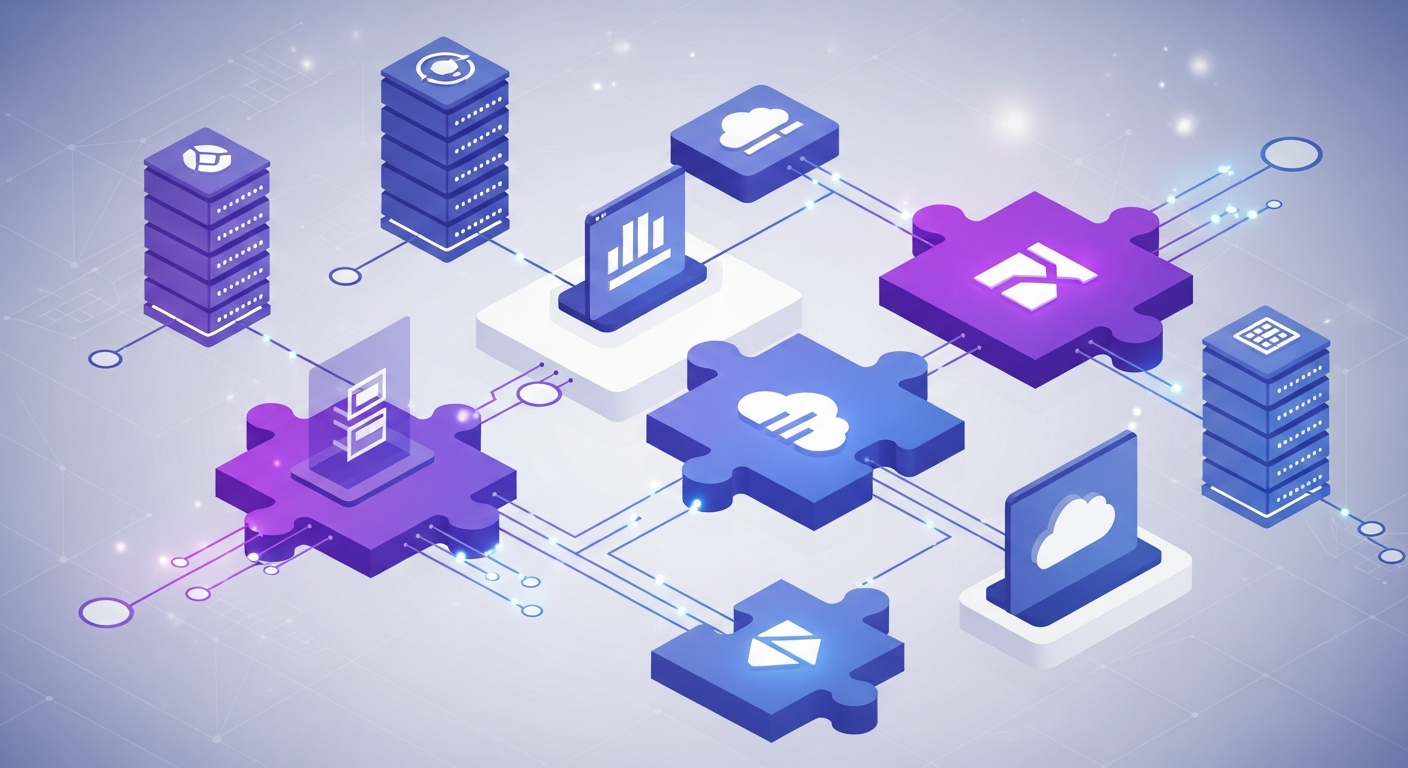
How AI Connects With Multiple Software Systems
In the dynamic world of multi-location service businesses, managing information across disparate software systems can feel like orchestrating a symphony with mismatched instruments. From scheduling platforms and point-of-sale (POS) systems to customer relationship management (CRM) tools and marketing automation, each piece of software holds valuable data. The challenge isn't just having the data; it's making it work together seamlessly to drive efficiency, enhance customer experience, and support your teams. This is precisely where AI automation shines, acting as the intelligent conductor that brings all your operational data into harmony.
When an AI solution integrates with your existing software, it unlocks a new level of operational fluidity. It allows for the automation of routine tasks, the personalization of customer communications, and the optimization of workflows that once consumed significant staff time. This article will explore the mechanisms behind these crucial AI integrations, offer practical applications, and provide frameworks to help you leverage AI to create a truly connected and efficient multi-location enterprise.
Understanding the "Why": The Imperative for Integrated Systems
Operating a multi-location business means dealing with a multitude of moving parts. Each location might use slightly different tools, or even if they use the same ones, the data often remains siloed within individual platforms. This fragmented data environment can lead to several challenges:
- Inconsistent Customer Experience: Without a unified view of a customer's history, preferences, and interactions across all touchpoints, delivering a consistent and personalized experience becomes difficult.
- Operational Inefficiencies: Manual data entry, switching between systems, and chasing information across platforms consume valuable staff time that could be better spent on in-person service and higher-value tasks.
- Missed Opportunities: Incomplete data makes it harder to identify trends, predict customer needs, and launch timely, targeted campaigns for lead conversion or retention.
- Delayed Decision-Making: Without a comprehensive, real-time overview, making informed strategic decisions about capacity, staffing, or marketing spend can be challenging.
AI-powered integration addresses these challenges by creating a central nervous system for your business data, enabling intelligent automation that transforms fragmented information into actionable insights and seamless operations.
The "How": Mechanisms of AI Software Integration
So, how exactly does AI connect with your existing software ecosystem? It primarily relies on a few key mechanisms designed for secure and efficient data exchange.
1. APIs (Application Programming Interfaces): The Digital Connectors
Think of an API as a waiter in a restaurant. You (the AI) place an order (a request for data or an action), and the waiter (the API) takes that order to the kitchen (your scheduling software, CRM, or POS) and brings back what you asked for (the data or the confirmation of an action).
- How AI Uses Them: AI leverages APIs to read and write data between systems. For instance, your AI assistant can use an API to:
- Check Availability: Query your scheduling system's API to find open slots for appointments.
- Book Appointments: Send a booking request to the scheduling system's API, creating a new entry.
- Update Customer Profiles: Pull customer details from your CRM's API, or update contact information after an interaction.
- Retrieve Transaction History: Access purchase data from your POS system's API to understand customer spending patterns.
2. Webhooks: Real-time Data Flow
While APIs are like making a specific request, webhooks are more like event-driven notifications. Instead of constantly asking if something has happened, a webhook tells the AI when something specific occurs in another system.
- How AI Uses Them: Webhooks are crucial for real-time automation. For example, a webhook can notify your AI when:
- A New Lead Submits a Form: Triggering an immediate AI-driven outreach sequence.
- An Appointment is Booked or Canceled: Allowing the AI to send instant confirmations, reminders, or rebooking options.
- A Membership Expires: Prompting the AI to initiate a win-back campaign.
3. Data Synchronization and ETL (Extract, Transform, Load)
For larger datasets, historical analysis, or when real-time isn't the absolute priority, methods like data synchronization and ETL processes come into play. These involve extracting data from one system, transforming it into a usable format, and loading it into another system or a central data warehouse where the AI can access it.
- How AI Uses Them: This method allows AI to:
- Identify Trends: Analyze historical booking patterns to predict peak times and optimize staffing.
- Segment Customers: Group clients based on past behavior, service history, or demographics for targeted retention efforts.
- Inform Strategy: Provide insights for long-term business planning based on aggregated data across all locations.
Practical Applications: Where AI Integrations Shine
With these integration mechanisms in place, AI can revolutionize key operational areas for multi-location service businesses.
Automated Lead Management & Booking
Imagine a prospective client filling out an inquiry form on your website.
- Integration Flow: The lead information immediately flows from your website's form or CRM (via API/webhook) to your AI. The AI qualifies the lead, answers initial questions, and then, using an API connection to your scheduling system, suggests available appointment times. Once confirmed, the AI books the appointment directly.
- AI's Role: From qualification to booking, the AI handles the entire sequence without human intervention, ensuring rapid response times and consistent messaging.
Enhanced Member Retention & Communication
Keeping your existing clients engaged is vital.
- Integration Flow: Your AI integrates with your scheduling and POS systems. It can identify clients who haven't visited in a while, memberships nearing expiration, or those who frequently attend certain services. Using this data, the AI triggers personalized outreach.
- AI's Role: Proactively engages clients with relevant offers, reminders, or win-back campaigns, often preventing churn before it occurs.
Optimizing Capacity & Reducing No-Shows
No-shows can significantly impact revenue and operational efficiency.
- Integration Flow: The AI connects directly with your scheduling system. As appointments are booked, it automatically schedules a series of smart reminders. If a client cancels, the AI can immediately offer the newly open slot to others on a waitlist or send targeted promotions to fill the gap.
- AI's Role: Minimizes revenue loss from missed appointments and ensures your capacity is utilized effectively.
Consistent Customer Experience Across Locations
One of the biggest challenges for multi-location businesses is maintaining brand consistency.
- Integration Flow: By centralizing AI to access data from all locations' CRMs, scheduling systems, and communication logs, a client's history and preferences are accessible regardless of which location they interact with.
- AI's Role: Ensures that every client receives consistent, professional, and personalized responses, fostering trust and loyalty across your entire brand.
Building Your Script Library with Integrated AI
The true power of AI in communication isn't just sending messages; it's sending personalized, context-aware messages that feel human. This is where your "script library" comes alive, dynamically populated by integrated data.
The AI uses the information pulled from your connected systems to fill in placeholders within pre-approved communication templates. This ensures consistency in your core messaging while delivering highly relevant details to each recipient.
// Example 1: New Client Onboarding Sequence (triggered after first booking in scheduling system)

Subject: Welcome to [Your Business Name], [Client First Name]! Your [Service Type] is Confirmed.

Body:
Hi [Client First Name],

We're thrilled to welcome you to [Your Business Name]! Your first [Service Type] is booked for [Date of Appointment] at [Time of Appointment] with [Staff Member Name] at our [Location Name] location.

We're located at [Location Address]. We recommend arriving [X minutes] early for your first visit.

Here's a quick overview of what to expect:
- [Key instruction 1, e.g., "Bring comfortable clothing"]
- [Key instruction 2, e.g., "Our team will greet you at reception"]

If anything changes, you can easily manage your booking here: [Reschedule/Cancel Link].

We can't wait to see you!

Best,
The Team at [Your Business Name]
[Business Phone Number]
// Example 2: Follow-up After Unattended Appointment (triggered by scheduling system after no-show)

Subject: We Missed You, [Client First Name]! About Your [Service Type] Appointment.

Body:
Hi [Client First Name],

We noticed you weren't able to make your [Service Type] appointment on [Date of Appointment] at [Time of Appointment]. Life happens, and we understand!

We'd love to help you get back on track. If you'd like to reschedule, simply reply to this message, or click here to find a new time: [Reschedule Link].

We value your health and well-being and look forward to seeing you soon.

Warmly,
The Team at [Your Business Name]
[Business Website]
These examples demonstrate how integrated data points ([Client First Name], [Service Type], [Date of Appointment], etc.) are pulled directly from your scheduling or CRM system and automatically inserted into the communication, making each message unique and pertinent.
Framework: Assessing Your AI Integration Needs
To get started, it's helpful to map out your current systems and envision where AI can add the most value through integration.
| System Type | Key Data Points You Want AI to Access | Desired AI Action(s) | Potential Integration Method(s) | Priority (High/Medium/Low) |
|---|---|---|---|---|
| CRM/Lead Mgmt. | Lead source, contact info, lead status, past interactions | Lead qualification, automated follow-up, segmentation | API, Webhook | |
| Scheduling | Appointment times, service type, staff, client history, no-shows | Booking confirmations, reminders, rebooking, capacity optimization | API, Webhook | |
| POS | Purchase history, membership status, last visit, payment info | Win-back campaigns, personalized offers, loyalty tracking | API, Data Sync | |
| Marketing Auto. | Campaign engagement, email opens/clicks | Trigger personalized follow-ups based on engagement | API, Webhook | |
| Website Forms | New inquiry submissions, specific questions asked | Instant lead response, information gathering | Webhook |
Use this framework to identify your most pressing integration opportunities and prioritize your efforts.
Common Pitfalls to Avoid in AI Integration
While the benefits are clear, it's wise to be aware of potential stumbling blocks when integrating AI with your systems:
- Underestimating Data Cleanliness: AI is only as good as the data it processes. If your existing systems contain inaccurate, incomplete, or duplicate data, your AI's outputs will suffer. Many operators find that an initial data audit and cleanup is a crucial prerequisite.
- Ignoring Security and Privacy: Integrating systems means data is flowing. Ensure your AI solution and your existing platforms adhere to stringent security protocols and data privacy regulations relevant to your industry and location.
- Trying to Integrate Everything at Once: Rome wasn't built in a day, and neither is a fully integrated ecosystem. Start with a few high-impact integrations, prove their value, and then expand. This phased approach helps manage complexity and demonstrates tangible ROI.
- Lack of Clear Objectives: Don't integrate just for integration's sake. Define specific goals for each integration (e.g., "reduce no-shows by X," "improve lead response time to Y minutes") to measure success and refine your strategy.
- Assuming "Set It and Forget It": While AI automates, it still requires monitoring and occasional refinement. Communication scripts may need tweaking, integration points might evolve, and new business needs may emerge. Ongoing oversight is key.
Quick Wins: Immediate Actions for Operators
Ready to take the first steps toward better integration? Here are a few immediate actions you can take today:
- Inventory Your Systems: Create a list of every software system your business uses across all locations (CRM, scheduling, POS, marketing, etc.) and identify the key data each system holds.
- Map a Critical Workflow: Choose one specific, routine workflow (e.g., new lead follow-up, appointment reminders, or membership renewal). Document each step and identify where data currently moves manually or is siloed.
- Check for Integration Capabilities: Investigate if your existing software systems offer APIs or webhooks. Most modern SaaS platforms do. This information is usually found in their documentation or by contacting their support.
- Review Communication Templates: Look at your current email and SMS templates. Identify placeholders that could be dynamically filled with data from your systems (e.g., client name, appointment date, service type, last visit date).
- Outline Desired AI Actions: For your chosen critical workflow, brainstorm specific actions you'd want an AI to take if it had access to the necessary data (e.g., "send welcome email," "suggest reschedule," "offer discount based on last purchase").
Conclusion
The ability of AI to seamlessly connect with and leverage data from multiple software systems is not just a technological advancement; it's a strategic imperative for multi-location service businesses aiming for operational excellence and superior customer experiences. By intelligently integrating your CRM, scheduling, POS, and other platforms, AI transforms siloed data into a unified, actionable asset.
This integration empowers your teams, ensures consistency across all locations, and ultimately frees up valuable human capital to focus on the in-person service that defines your brand. Embracing AI-powered integration is about building a more resilient, responsive, and customer-centric business that is well-prepared for the future.