We're in the hard part.
You went all in on AI a year or two ago. You read the headlines. You tried the tools. You probably got your team excited about it. And then it didn't quite land.
You're not alone. I'm hearing this from a lot of people right now.
The ones who got past the surface and actually tried to put this stuff into a real business. Who got it dialed in. Then 18 months later got an answer that made them stop and say… where did that come from?
That's the hard part. The variability is brutal. The integration is imperfect. The magic everyone promised hasn't really shown up. And it's not just the people I talk to. The hype itself is cooling.
We pulled the numbers this week, and search interest in a lot of the buzzy AI trends, voice agents included, is sliding.
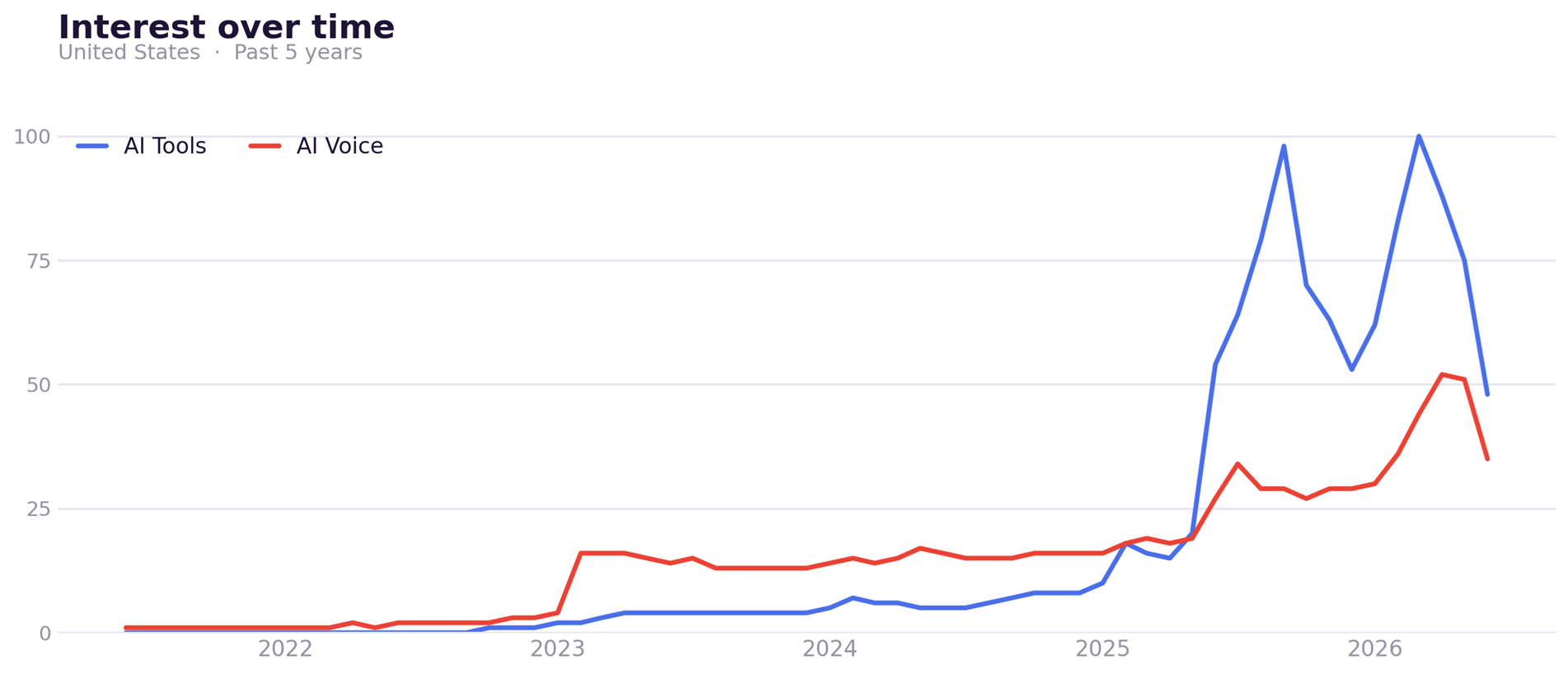
That's not the end of AI. It's the noise dying down, the tourists are starting to head home.
It's exactly what the hype cycle looks like.
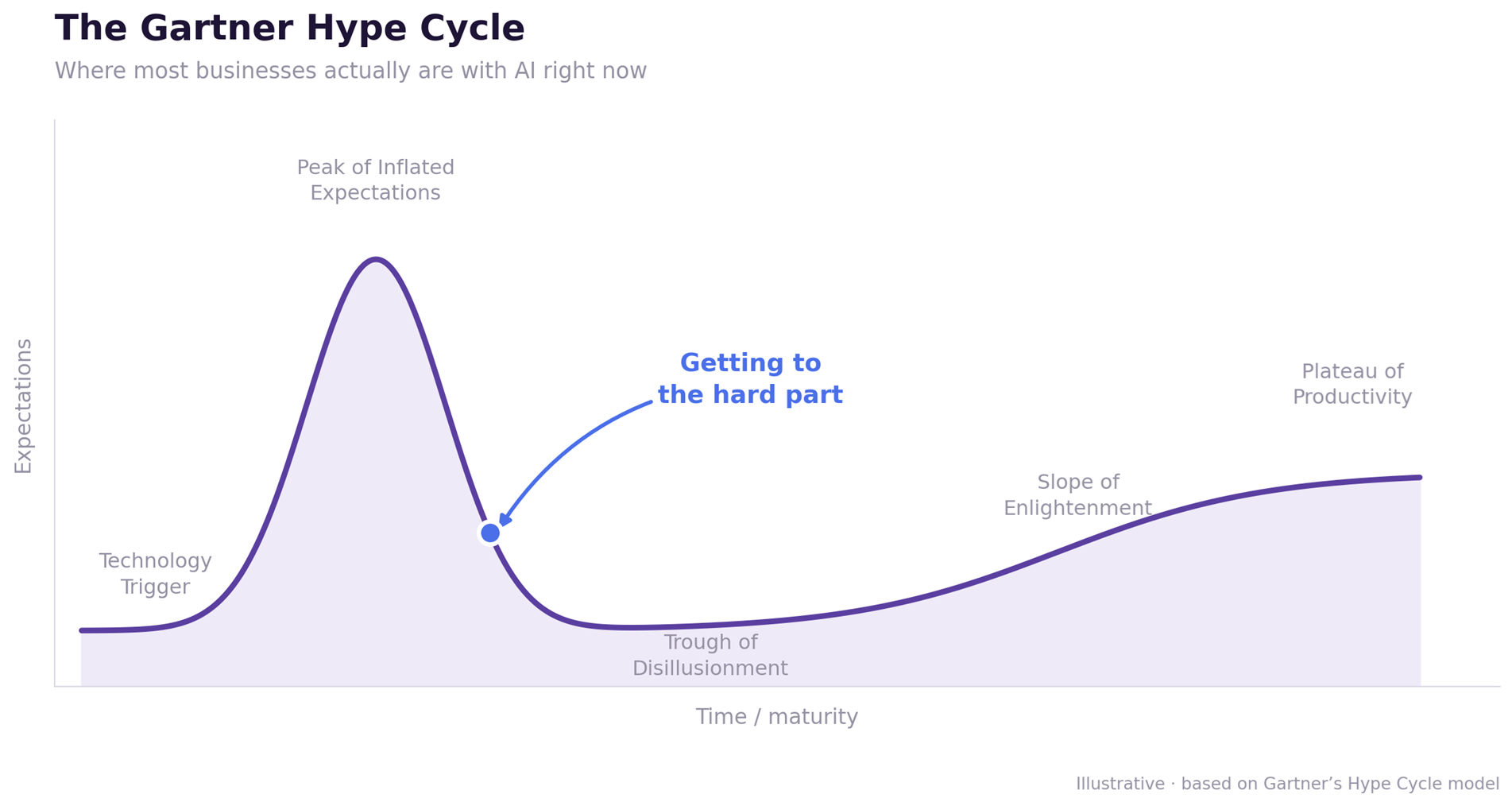
As we near the trough of disillusionment, know that you're not crazy. I'm right there with you.
So here's what I'd take from this…
Don't try to make AI work everywhere. Pick one thing. The 15-minute task you do every Monday. The email you hate writing. Make AI work for that.
One thing that compounds beats a hundred experiments that don't.

Learn how to actually use AI in your business.
Two live sessions coming up — no AI experience required.
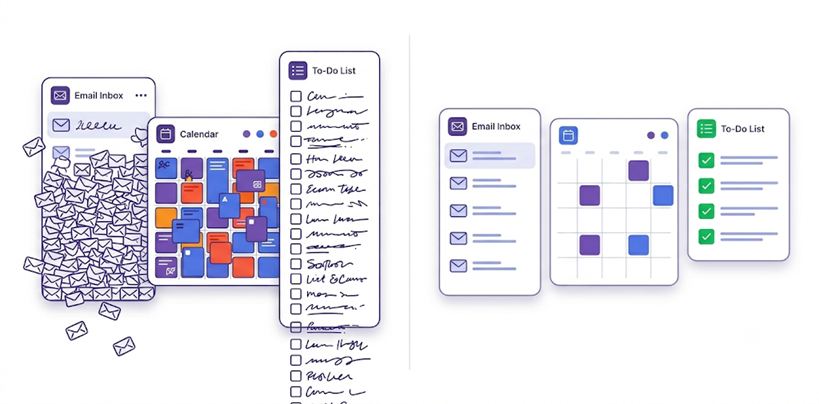
Just a touch of AI can help you spend more time doing what matters most.
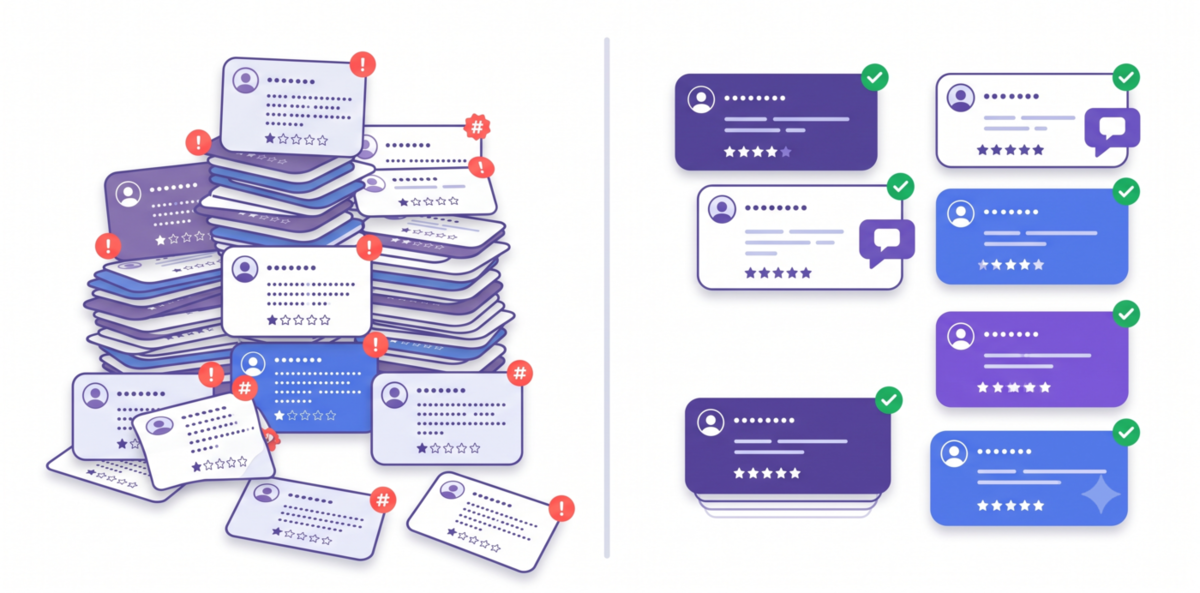
Reviews are one of the first things people (and AI) check before they pick you. Reply fast and sound human doing it, and you win the next one.
We'll show you how to turn any review into a warm, on-brand reply in under a minute. You'll leave with the guide and the prompts to handle every review, good or bad.
Here are the best insights our team found from across the web this week.
There is more AI news than any operator has time for. So we read it so you do not have to.
It's how Samsung leaked its own source code, and this year a home-services company exposed 3.7 million customer chat and call records tied to its AI system. Most of it never trips an alarm. It just quietly leaves the building.
Our take: Treat any public AI tool like a postcard, not a vault. Don't paste customer names, card or account numbers, contracts, or passwords — basically anything you wouldn't want screenshotted. If you need AI on sensitive work, switch to a business account with data controls (ChatGPT, Claude, and Gemini all offer one that keeps your inputs out of training). Give your team one house rule: if it's not yours to share, it's not the AI's to see.
Canva built this specifically to fix AI's "off-brand" problem.
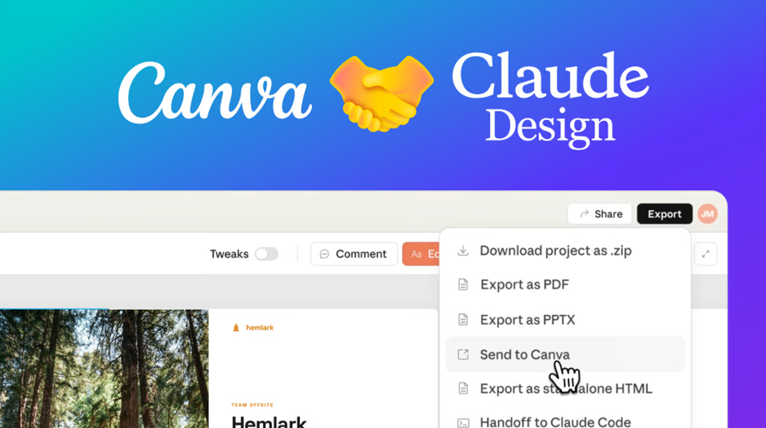 Our take: This is the closest thing yet to a designer who already knows your brand and never sleeps. Connect it in Claude under Settings, then Connectors, and set up your Brand Kit first — that's the whole trick, it's what keeps the output from looking generic. Then ask for what you'd normally brief out. You still pick what's good and tweak the rest, but you skip the blank canvas. For most small teams this turns "we never have time to post" into a 20-minute job.
The leaders aren't smarter. They're just past the "AI is exciting" phase, using it for growth and rebuilding workflows around it instead of bolting it on.
Our take: The longer you stay in pilot mode, the wider this gap gets, because the leaders learn and scale faster. If you read one link this week, make it this one. Then use it to make the case for picking one thing and committing.

That's it for today. See you soon.
Brian, Murphy, John, Beth, and Jake — some of the humans behind AI Front Desk.